Streamer surface · working today
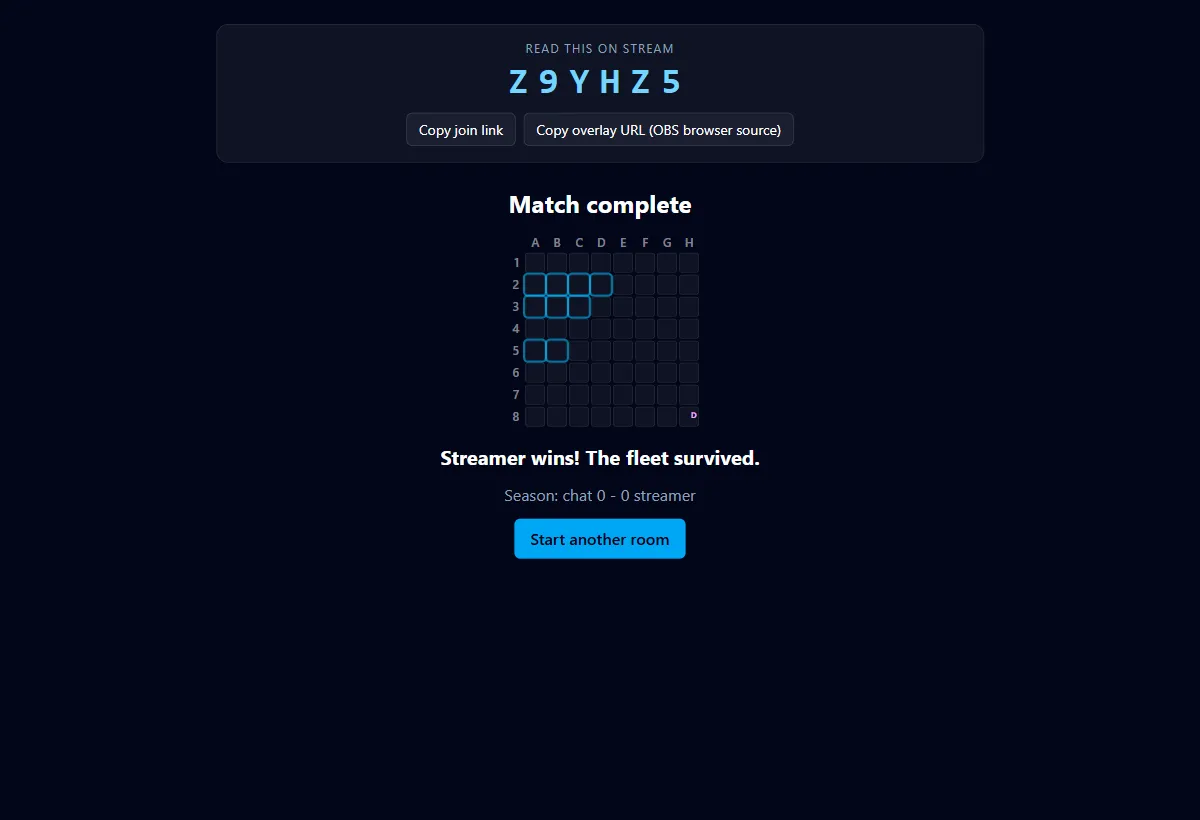
The host dashboard: one popup, whole match.
Everything the streamer touches lives in a single popup window, sized to be screen-captured if you want your reactions and your board on stream together. Create a room, place ships, read the code out, then defend.
The flow
Create. Enter your handle, pick a preset (Quick: 8x8, three ships, three volleys, about four minutes; Classic: 10x10, five ships, five volleys), hit create. The dashboard pops with your room code and copy buttons for the join link and the overlay URL.
Place ships. Tap to place, tap again to rotate, drag to move. Lock in when happy.
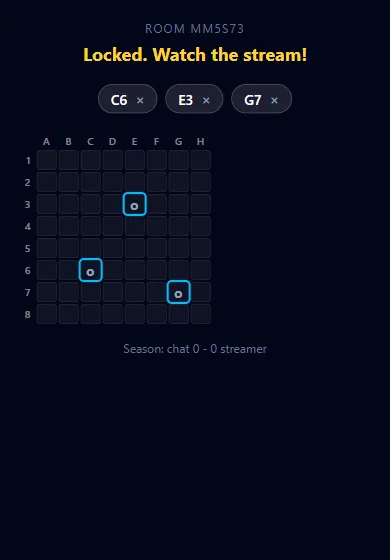
Open the volley. The countdown starts and the exact-count heatmap builds live as chat pins. You see precise numbers; chat only ever sees a coarse glow.
Fight back. One action per volley, each once per match: shield a cell, drop a decoy, or reposition an untouched ship. Play it late for maximum betrayal.
Lock early or let it run. The volley locks itself at zero, or you can slam it shut early when the heat looks survivable.
In pictures
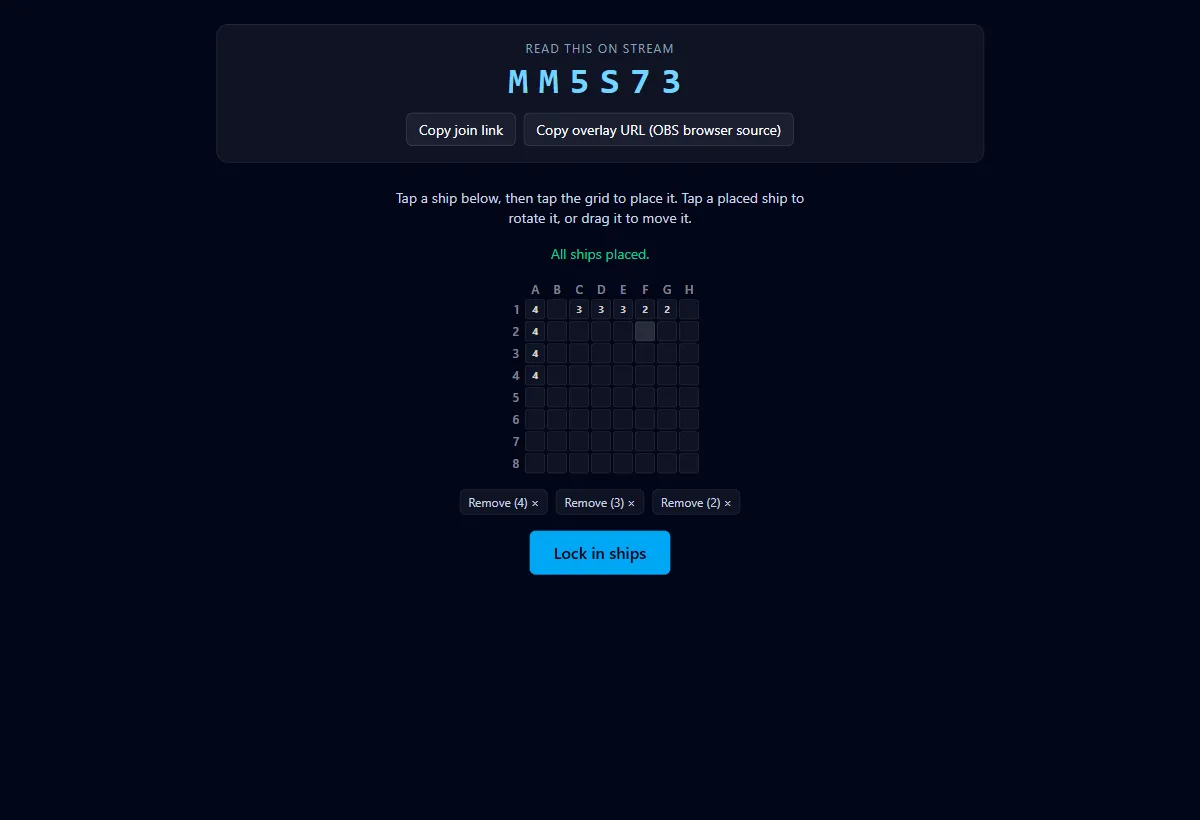
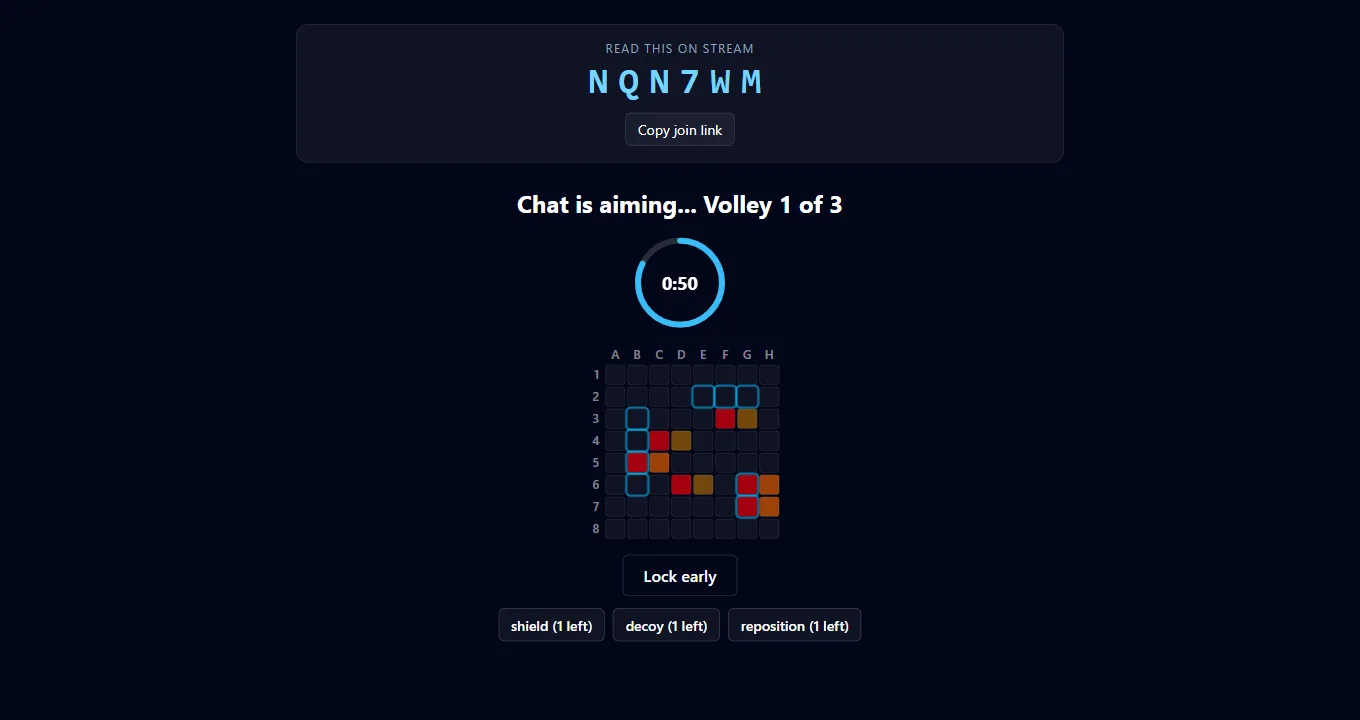
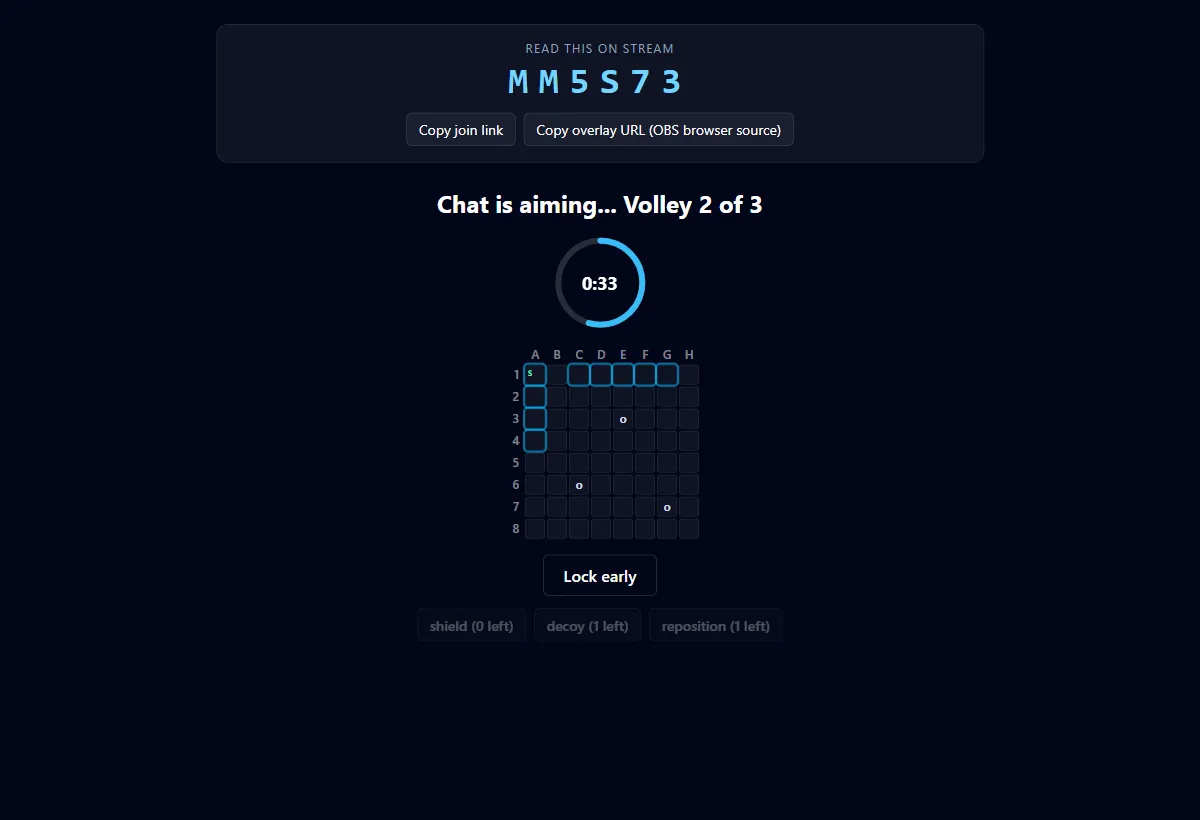
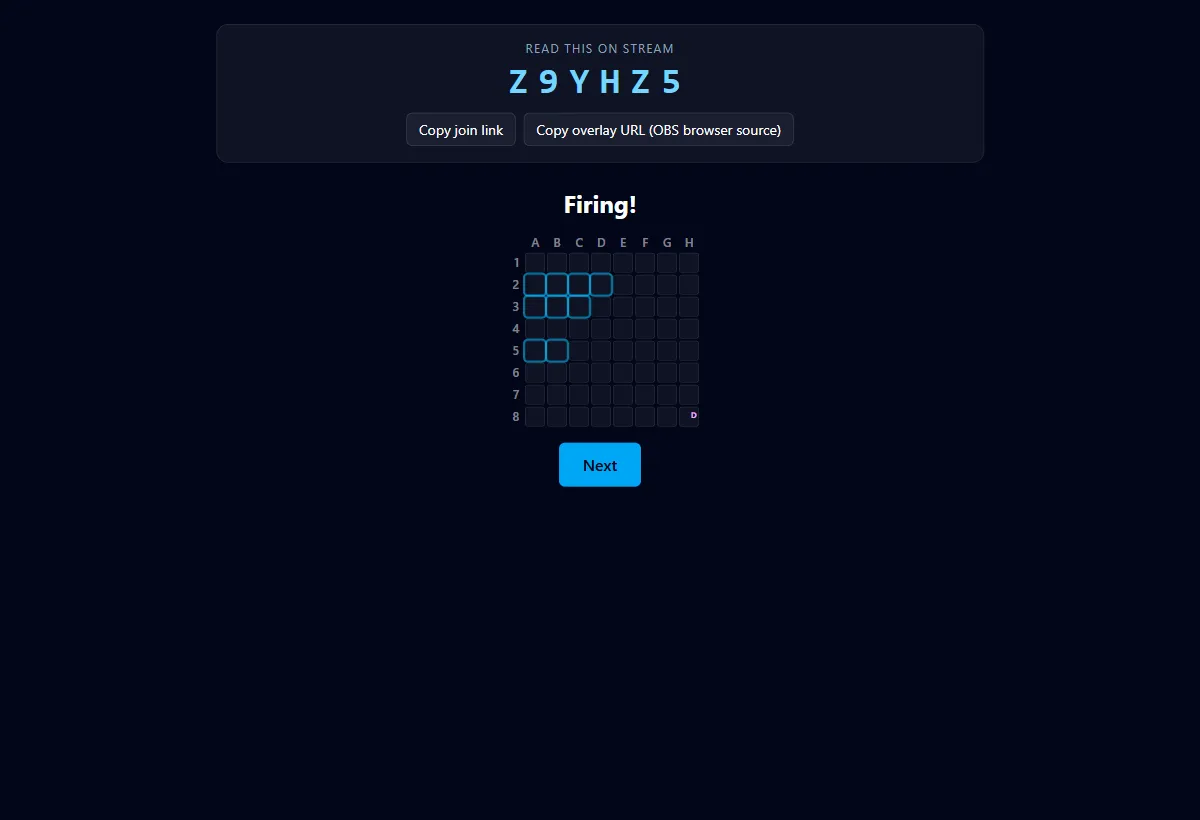
Custom rounds
Presets stay the one-click path; a custom option opens these dials at room creation. Drag them here to get a feel for the ranges (concept mock, values are the real planned bounds).
Open entry, always. Viewers can join at any point in the match, even mid-volley; only the pins each player has placed when the countdown reaches zero are counted. Long custom windows make this shine.
Planned for the test release
Twitch channel linking. A one-time link code pairs your channel with your handle so the extension can auto-join your rooms and post round announcements in chat.
Theme picker. Choose the board skin (naval, garden, spooky, pirate, pompeii, canopy) at room creation; see the themes section of this site for all six.
Overlay style choice. Copy either the compact 2D corner overlay URL or the full-view 3D board URL; details on the OBS page.